Your appearance in Minecraft is called your “skin.” A skin is just an image that is applied to your character in Minecraft to create your appearance. Here’s an example:
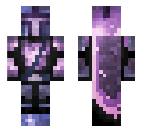
If you’re new to Minecraft, you may want to select a skin you like. Of course, you can stick with the default, but there are millions of skins to choose from. You can also change your skin later if you decide you’d like something new.
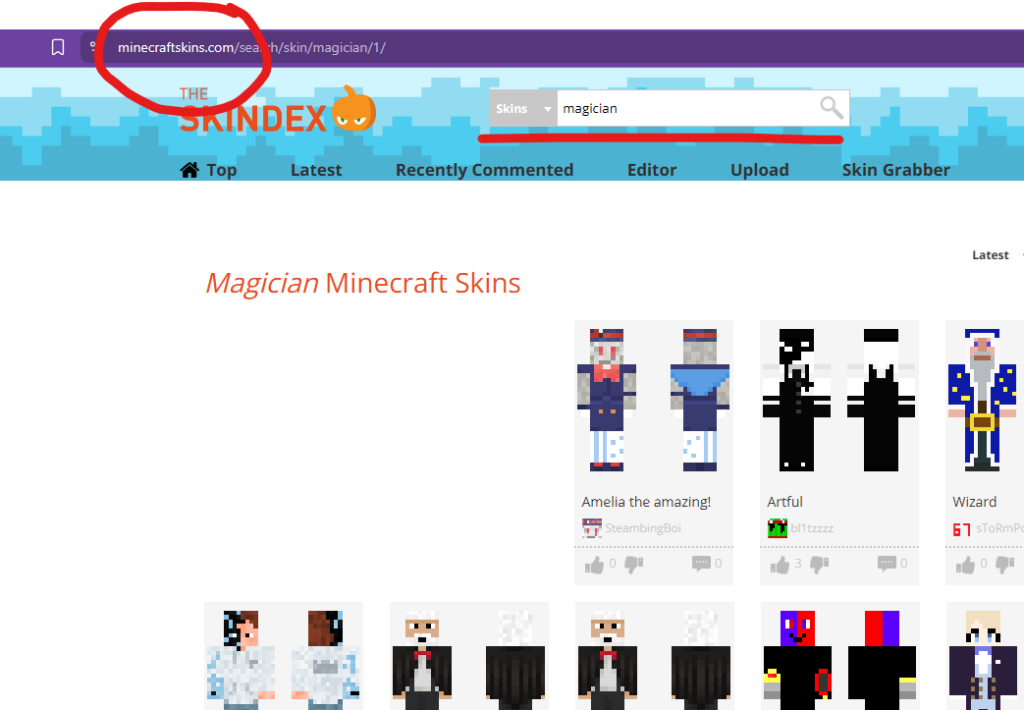
To change your appearance, start by finding a Minecraft skin you like. You can search websites such as MinecraftSkins.com.
Search using any keywords that describe how you would like to appear. For example, here I’ve searched for “magician.” Countless people have created and shared skins in this collection. Some are simple. Some are amazing. You may need to sift through a few to find one you like.
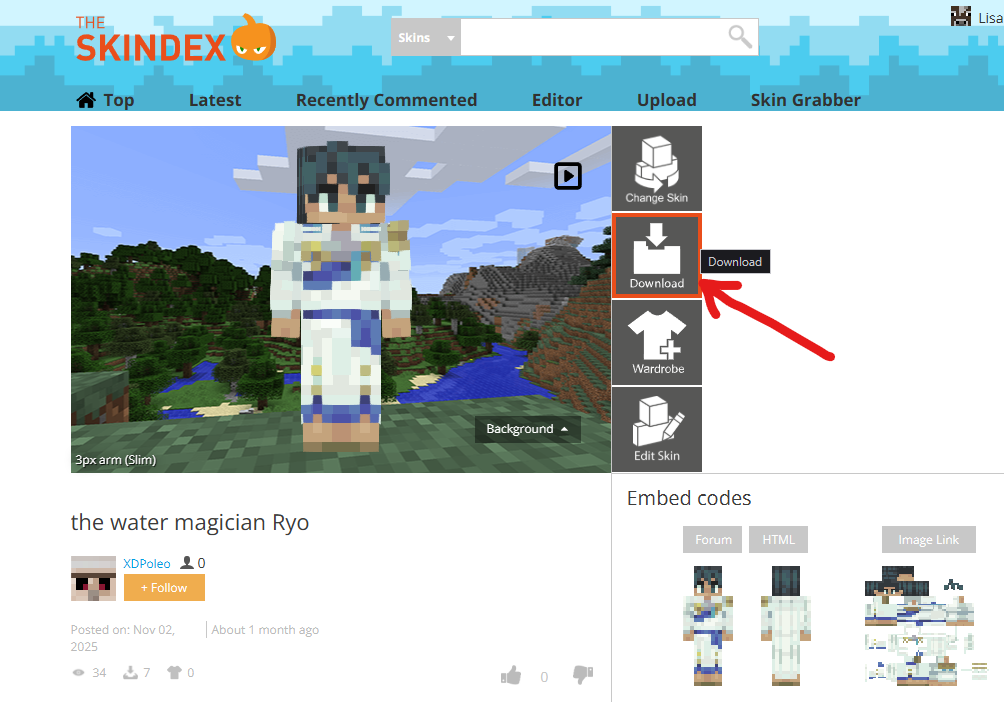
Once you find a skin you like, click on it and download it to your computer.
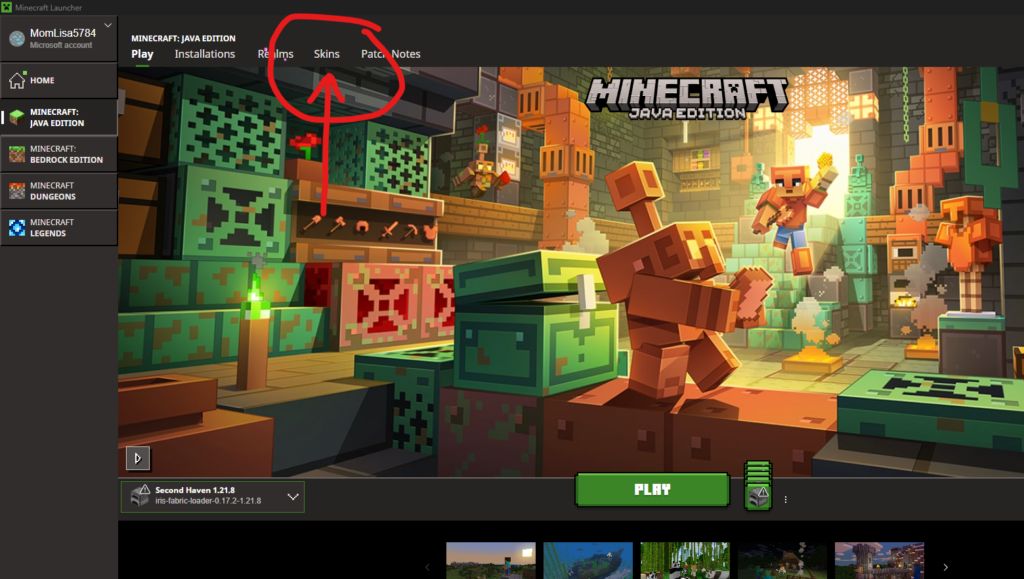
Then open your Minecraft Launcher and select Skins in the top menu.
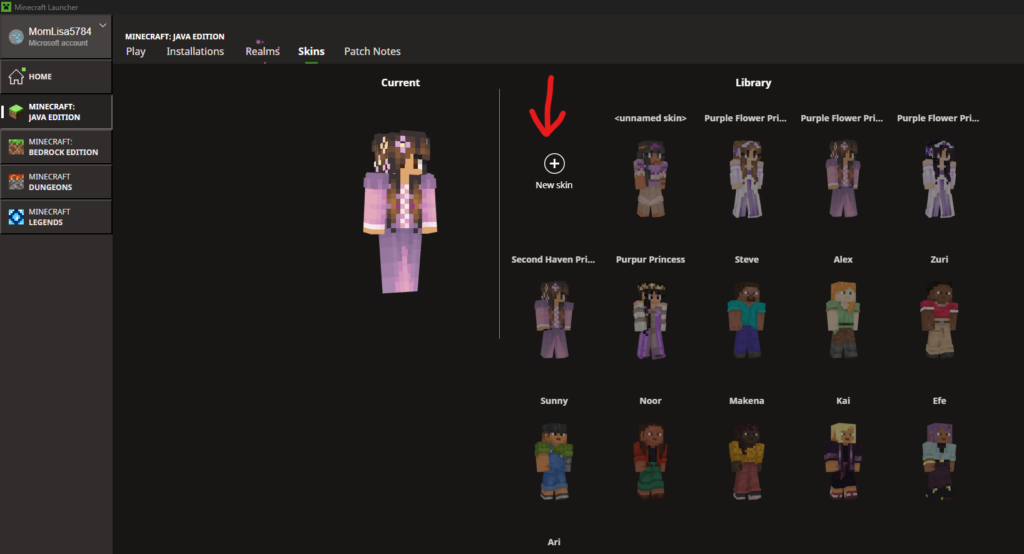
Click on New Skin.
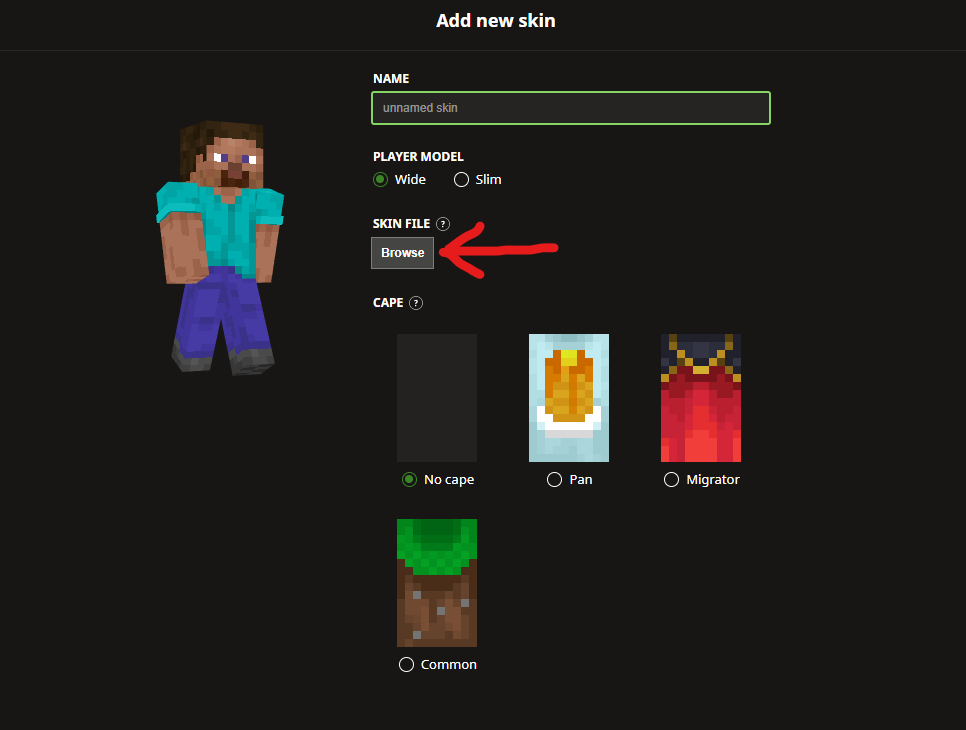
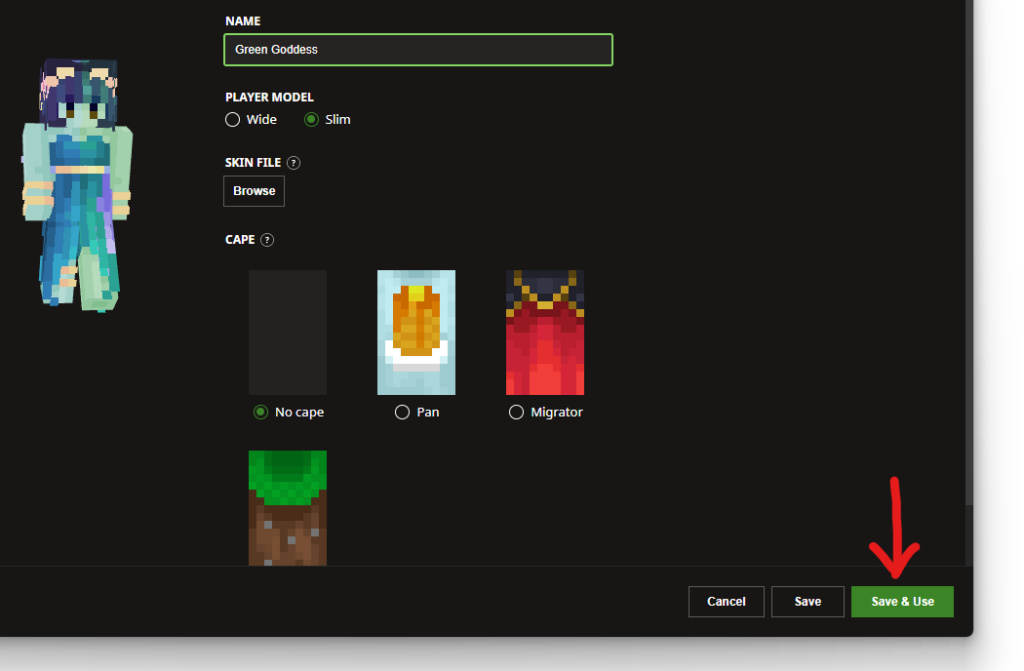
This will take you do a window where you can click Browse to find the skin you downloaded.
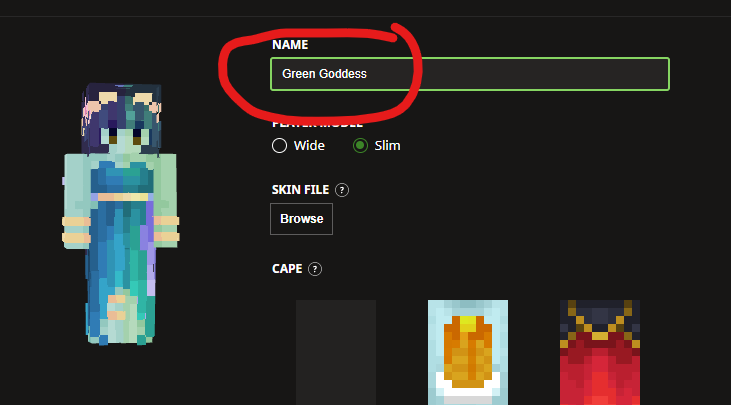
Once you select your downloaded skin, it will appear here. Give it any name you like.
Then click Save & Use. This button is in the bottom, right-hand corner.
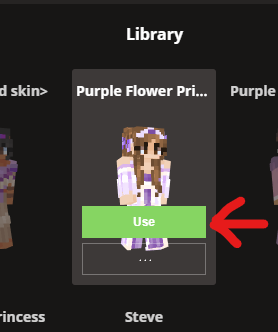
Once you’ve saved a new skin, it will remain in your Library. You can switch to any skin in your Library by hovering over it and clicking Use.