In Second Haven, you can type messages in the chat bar OR special words called commands that help you navigate, explore, communicate, and protect your builds.
Open the Chat Bar
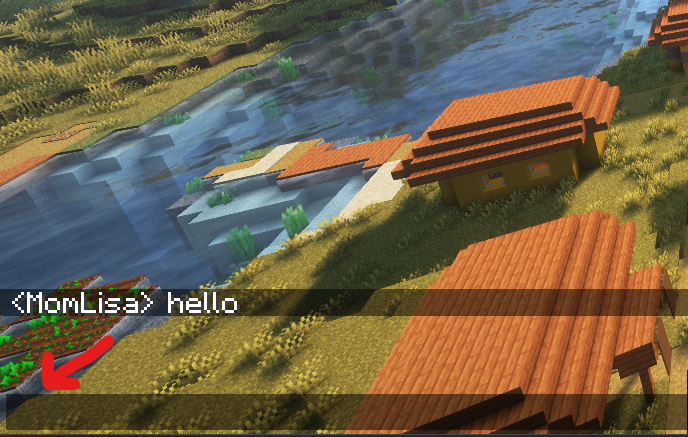
Start by pressing t. When you press the t on your keyboard, you can start typing in the chat bar. The red arrow in the image below shows the chat bar, and you can also see the chat history, where I typed “hello.”
Note: My username, MomLisa, harkens back to the days when my two boys were under the age of ten. Now they are 20 and 22, and we still play.
Type Commands
Commands always start with a slash /.
Start by typing the forward slash key on your keyboard, and it will open the chat bar where you can type your command.