
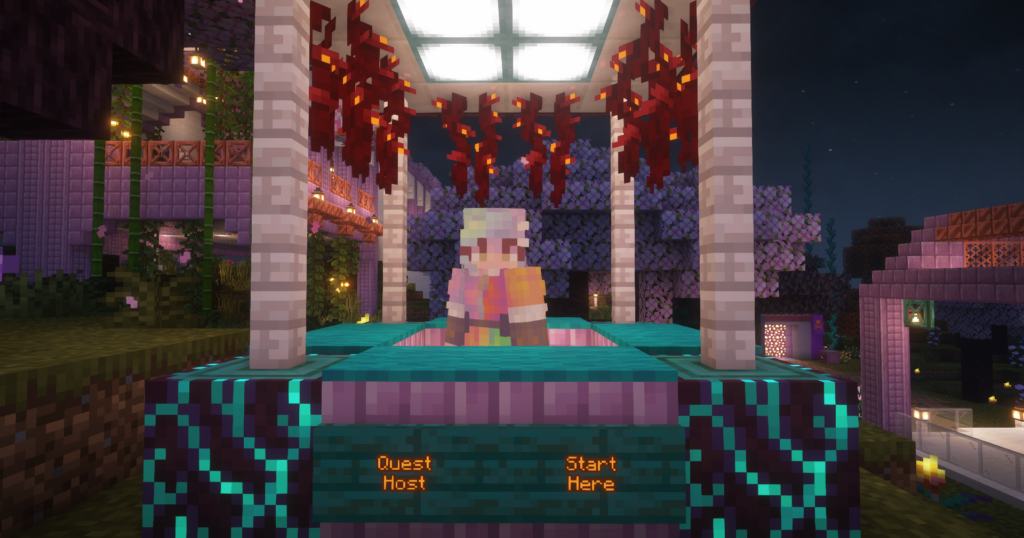
Begin at the spawn point in the main world. Visit the Quest Station and click on the character at the station, the Quest Host. The Quest Host will tell you what to do next, and by accepting, you will gain access to key regions included in the quest.
Requirements
To participate in a Second Haven quest, you will interact with characters (or NPCs). You can interact with a character by pointing your mouse at the character and clicking your left or right mouse button.
Characters will sometimes pose questions and present a list of options. To respond to these questions, you must be able to:
- scroll through the options using your mouse scroll wheel and
- hit your left shift key to select a response.